Which one should you use?
Org Chart Studio
The pick when the org chart is the whole job.
- You want a free plan measured in people: charts up to 2,500.
- You want the layout and the theme to hold across the whole chart.
- You want editable PowerPoint, PDF, and clean PNG exports on a one-time pass.
SmartDraw
The pick when one tool has to draw everything.
- You need flowcharts, floor plans, or network diagrams next to the org chart.
- You want live sharing links, comments, and real-time collaboration.
- Your procurement process asks for SSO or centralized user administration.
Org Chart Studio vs SmartDraw
| Feature | Org Chart Studio | SmartDraw |
|---|---|---|
| Summary | ||
| Free plan | Yes (1 editable cloud chart; build to 2,500 people; watermarked PNG export free up to 25 people; CSV free) | No 7-day trial |
| Free exports | Yes (CSV free; watermarked PNG up to 25 people; clean PNG, PDF, and PowerPoint need a pass or subscription) | Partial (Visio export advertised in trial) |
| One-time export passes | Yes (one-time, tiered by size and duration; optional subscriptions also available) | No |
| Subscription | $8/month or $80/year for charts up to 250 people (optional; active paid access supports up to 100 stored charts) | Individual $131.40/year; vendor recommends fewer than 200 people per org chart |
| Editable PowerPoint export | Yes | No (Office export pastes a bitmap) |
| CSV and Excel import | Yes | Yes (hierarchy from a supervisor column) |
| Max people per chart (self-serve) | 2,500 people per chart (default build ceiling; export-size tier is separate) | No published hard cap; vendor recommends fewer than 200 people per org chart |
| Automatic layout | Yes | Yes (one type among many) |
| SSO / SAML | No | Yes Enterprise-only |
| Classification | System of capture | System of capture (manual) |
| Ecosystem lock-in | None | None |
| Start without an account | Yes | Yes (edit before signup; save needs account) |
| Drag-and-drop editing | Yes | Yes (drag boxes to re-parent) |
| Matrix and dotted-line reporting | Planned | Yes (manual dotted line) |
| Custom fields per person | Yes (up to 5) | Yes (shape data fields) |
| Chart branding and themes | Yes | Yes (custom themes) |
| Undo and redo | Yes | Yes |
| Manager names matched despite typos | Yes | No (exact manager name or ID match) |
| HRIS export detected automatically | Planned | Partial (column mapping) |
| Live HRIS sync (Workday, ADP, UKG, etc.) | No | No |
| Spreadsheet re-import with a review | Yes | Partial (replaces chart from the new file) |
| PNG export | Yes (watermarked free up to 25 people; clean PNG needs a pass or subscription) | Yes (PNG in vendor export list) |
| Vector PDF export | Yes | Partial (SVG-to-PDF conversion) |
| CSV / data export | Yes | Yes (org chart + shape data CSV) |
| Shareable links | Planned | Yes (link sharing, view or view+edit) |
| Embed on a page | Planned | Yes (embed code) |
| Agent / MCP / API access | Yes (MCP, llms.txt, OpenAPI) | Yes (confirmed: SmartDraw offers an API) |
| Position/vacancy management | Yes | Partial (manually labeled position shapes) |
| Workforce planning scenarios | Partial (separate charts with active paid access; custom cost fields; CSV export for spreadsheet totals; no built-in scenario comparison or cost rollups) | Partial (manual chart copies) |
| Admin/permission groups | No (no sharing, invite, or permission-management surface) | Yes (Editor/ReadOnly/Admin groups) |
| SOC 2 | No | Yes (SOC 2 Type II, annual audit) |
Layout and theming
Org Chart Studio is built around the org chart. One theme covers the whole chart: card styles, colors, typography, avatars, and connectors change together, and you can reuse that theme across charts.
SmartDraw's org chart pages document professional templates, custom themes, photos and logos, and a layout that changes in one click, on a canvas that covers many more diagram types than org charts. Both tools arrange a hierarchy automatically.
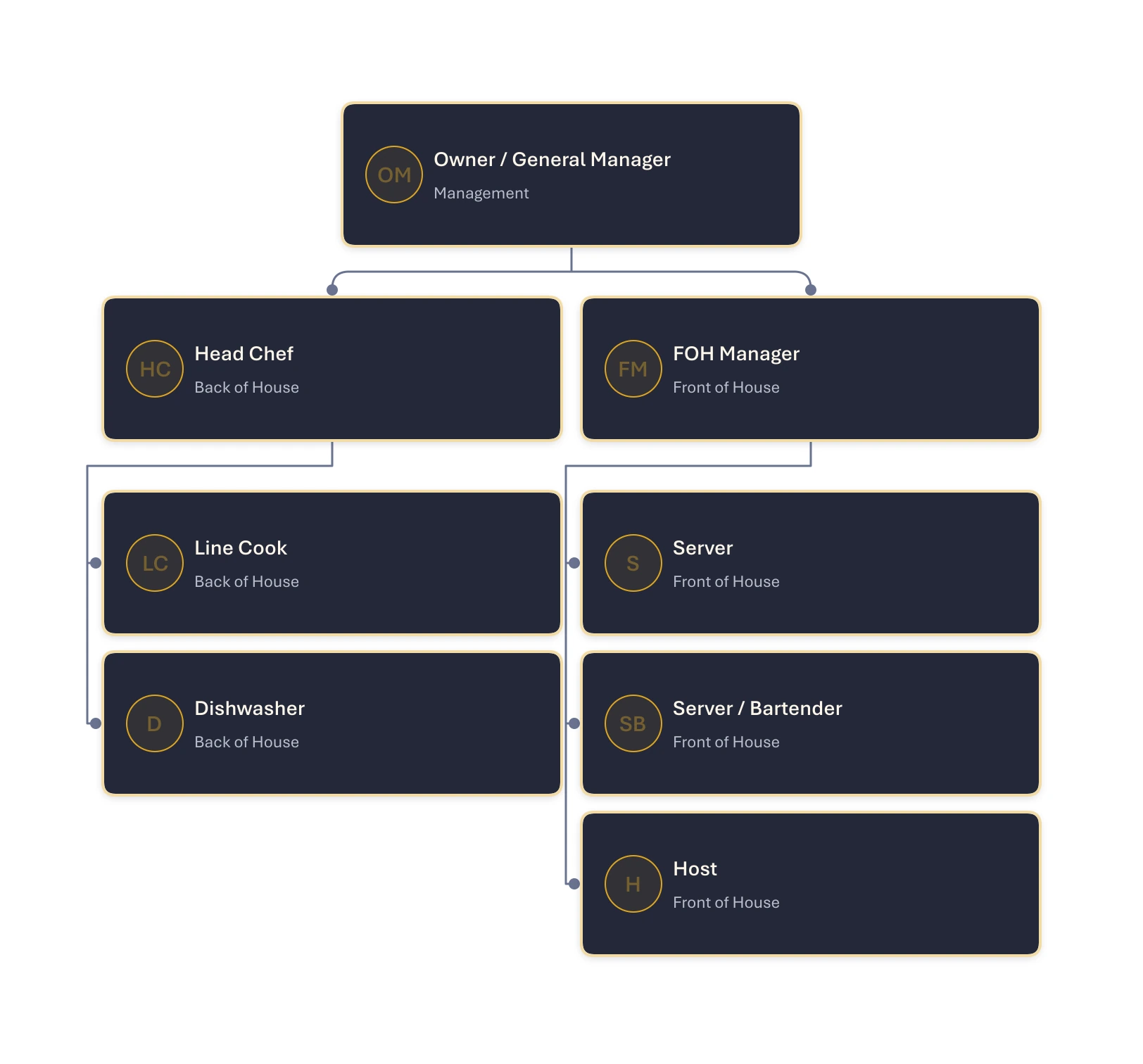
One theme, applied across the chart
Org Chart Studio’s Midnight theme, with teams stacked neatly beneath their managers and compact spacing that keeps the whole chart easy to scan.
Where Org Chart Studio is the better pick
A free plan measured in people, not days. Build to 2,500 people per chart and start without an account. A new free account includes one editable cloud chart; an active pass or subscription supports multiple stored charts. When a pass expires, choose one chart to keep editable and the others are read-only. See current chart and export options. Watermarked PNG export is free up to 25 people, and CSV export is always free. SmartDraw has no free plan at all: the trial runs 7 days, and after that a license is billed annually.
Import that expects a messy roster. Manager matching proposes the closest candidates with a confidence value instead of failing the row, and anything unresolved collects in a Needs manager list. SmartDraw's data visualizer imports the same CSV, XLS, and XLSX files and builds the hierarchy from a supervisor column, but it requires that format to match exactly, spelling and name order included, and its guidance says a chart works best under 200 employees.
Re-import as a review. Update from spreadsheet groups added, removed, updated, and moved people and applies only the changes you select, with removals opt-in. SmartDraw's documented org chart import replaces the current chart; it does not describe a review where you choose individual changes.
An editable PowerPoint. Org Chart Studio exports native shapes and text that you can edit in PowerPoint. SmartDraw's Office export copies the diagram as an image, so you return to SmartDraw to change the diagram itself. Clean PNG, vector PDF, and PowerPoint unlock together with an Org Chart Studio pass.
Where SmartDraw is the better pick
Breadth. Flowcharts, floor plans, network diagrams, and a symbol library that goes well past org charts. If your week holds a process map and a reorg, one subscription covers both.
Sharing and collaboration. SmartDraw shares a diagram with a link that people can open without owning SmartDraw, with a View or View and Edit choice, plus comments and version history on the same file. On our side, sharing via link is roadmap and not shipped, and there is no embed and no commenting.
Enterprise administration. SSO, user provisioning, and centralized administration arrive with an Enterprise license. SmartDraw also reports an annual SOC 2 Type II audit. If procurement requires SSO and a SOC 2 report, SmartDraw is the relevant option here; Org Chart Studio offers neither today.
What each one costs
Org Chart Studio is free to build with, up to 2,500 people per chart, and charges for clean exports. Watermarked PNG export is free up to 25 people, and CSV export is always free. A pass is a one-time purchase for a day, a week, a month, or a year, priced by chart size: $1 covers a day at 250 people, and a day at 2,500 people is $25. While it is active, a pass covers clean PNG, PDF, and PowerPoint exports up to its people limit. See the full pass tiers or how passes work.
SmartDraw has no monthly plan. Individual lists at $10.95 per month billed annually, and the current introductory price for new customers is $9.95 per month billed annually, or $119.40 for the first year. Team lists at $10.95 per user per month billed annually with a 3-user minimum; the new-customer rate is $8.95 per user per month, which is $322.20 a year for three seats. SmartDraw backs a purchase with a 30-day money-back guarantee. Prices checked against SmartDraw's pricing page and its subscription FAQ on Sep 15, 2026.
One SmartDraw Individual license at the introductory rate costs less than our 500-person annual pass at $200, so if you draw diagrams every month, that seat can be the better buy.
SmartDraw alternatives
SmartDraw's closest competitors for general diagramming are Lucidchart and Visio, which sell the same breadth in different ecosystems. The zero-budget pick for general diagramming is draw.io, and the wider field is in our org chart software comparison.
Frequently asked questions
No. There is no free plan: SmartDraw offers a 7-day trial, and its own subscription FAQ says licenses are annual and paid annually. Individual lists at $10.95 per month billed annually, with an introductory rate of $9.95 per month for new customers.
No. SmartDraw states that it does not offer a monthly payment plan, so a license is paid for a year up front, with a 30-day money-back guarantee. Org Chart Studio offers one-time export passes from $1 for a day at up to 250 people; passes never renew, and an optional subscription is available at 20% off the matching pass.
Yes. Org Chart Studio builds charts up to 2,500 people for free and exports a watermarked PNG free up to 25 people. A new free account includes one editable cloud chart; an active pass or subscription supports multiple stored charts. When a pass expires, choose one chart to keep editable and the others are read-only. See current chart and export options. Clean exports are a one-time pass from $1 for a day at 250 people, and draw.io is free for general diagramming.
Yes, from CSV, XLS, or XLSX through its Organization Chart data visualizer, which builds the hierarchy from a supervisor column. The catch is exactness: the manager's name or employee ID has to match the employee column, formatting included, and SmartDraw's guidance says a chart works best under 200 employees.
An Individual license costs $119.40 for the first year at the current new-customer rate of $9.95 per month, billed annually. The list price is $10.95 per month, or $131.40 for the year, and there is no monthly plan. Org Chart Studio is free to build with, and a clean export is a one-time pass from $1 for a day at 250 people.